Macrovue
Breaking down barriers to international share trading
Designing the UX for an online investment application for DIY investors, and the UI for its website and mobile concept.
The challenge
Design the UX for an online investment application
Macrovue is the world's first global thematic investment platform for Australians, built for do-it-yourself investors looking for a new way to invest. My challenge was to simplify the user experience so that investing in global trends felt easy and intuitive.
The design process
-
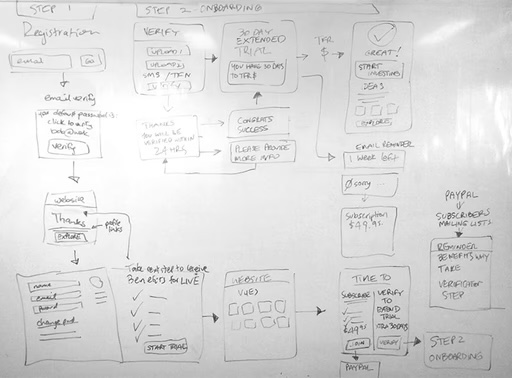
User flows
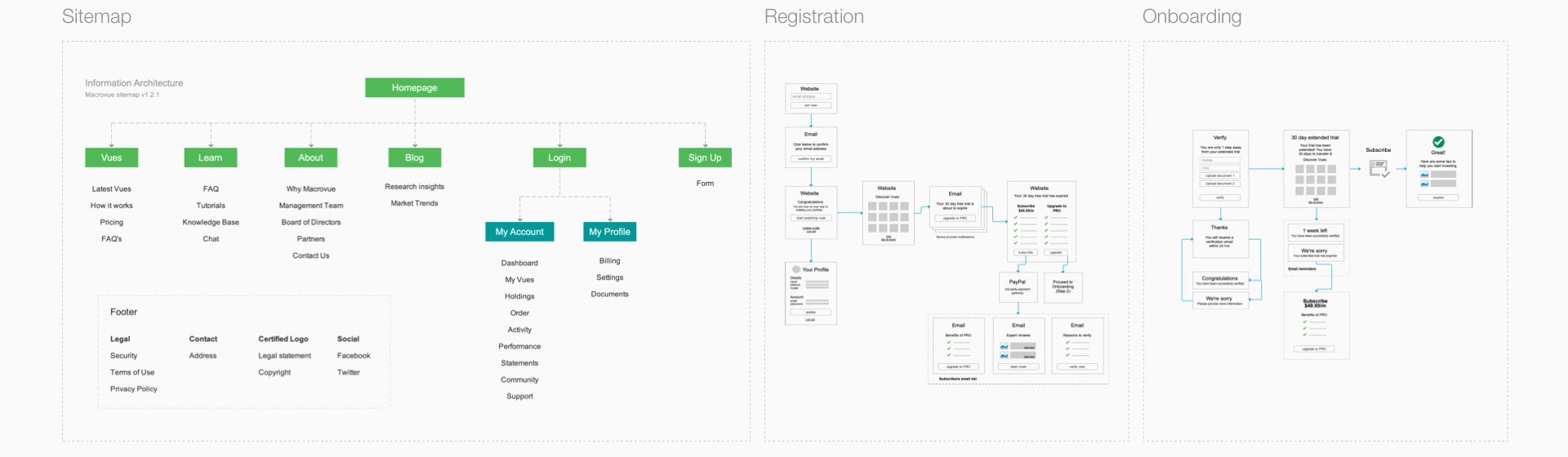
Facilitated workshops with the CEO and COO to map the user journey, then translated insights and data into clear user flows.
-
Wireframes
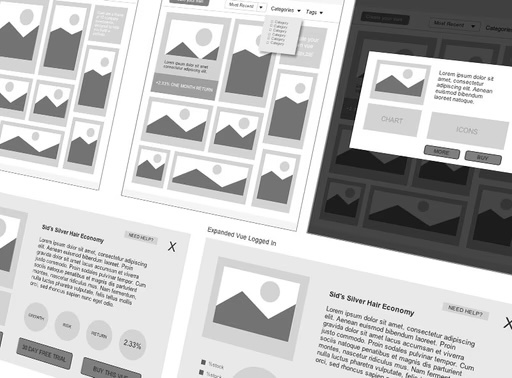
Created wireframes to validate and prioritise user flows while clarifying technical requirements.
-
High-fidelity mockups
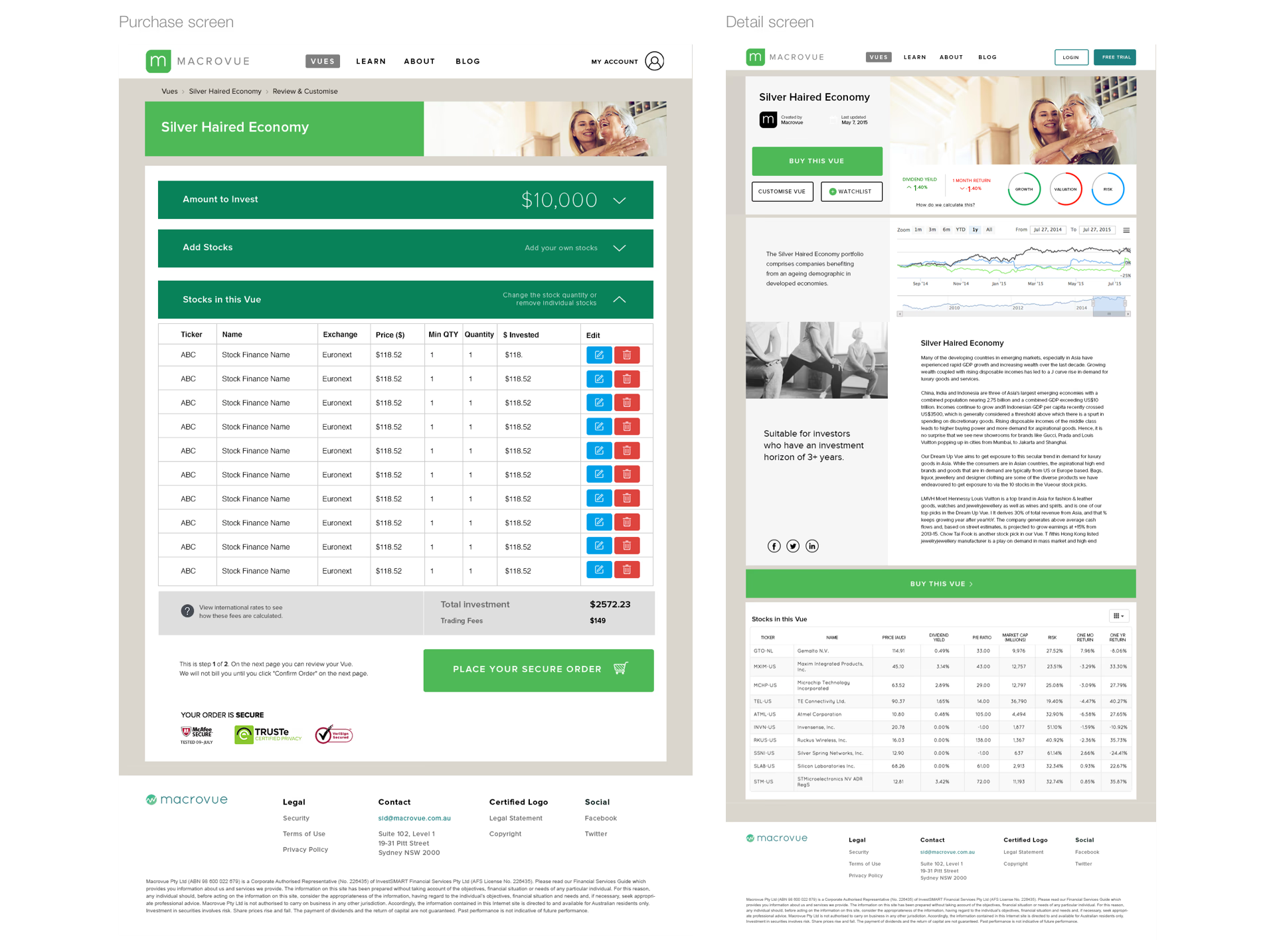
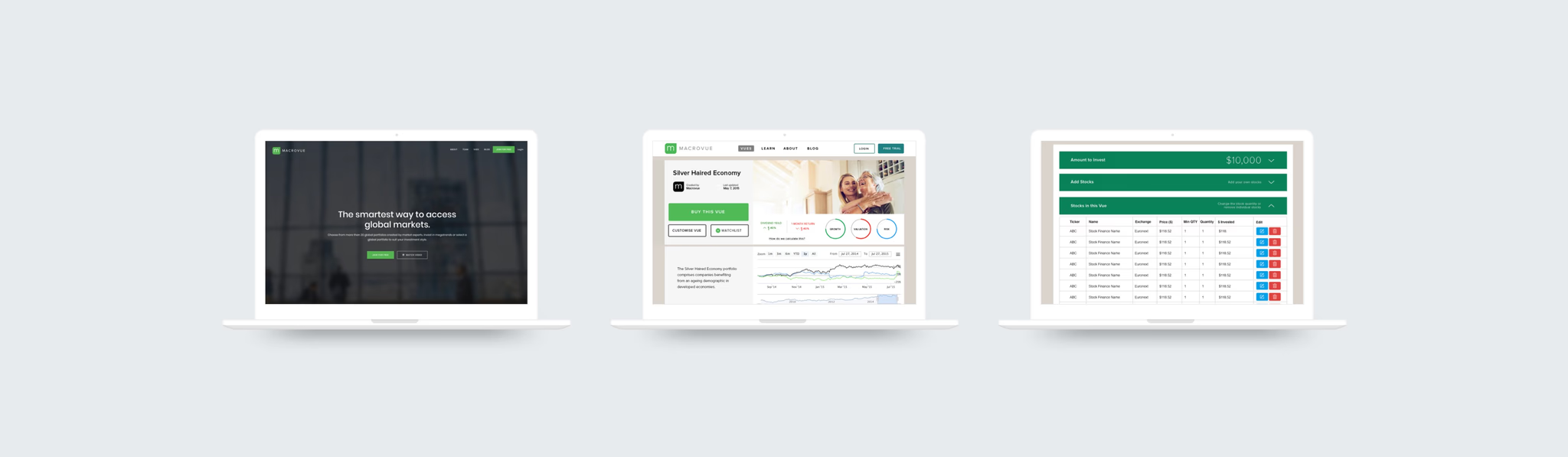
Designed high-fidelity mockups and interactions that brought the experience to life while reflecting the brand identity.
Research
Understanding the users and business goals
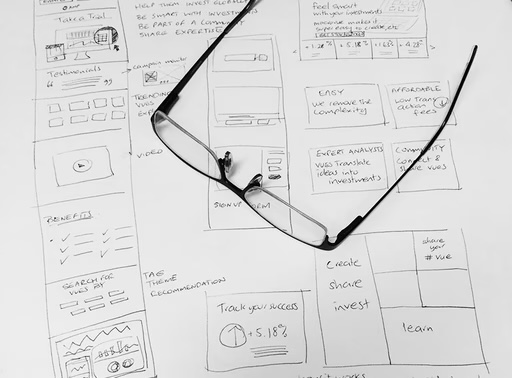
We kicked off the project with interviews to define application goals - gathering insights on users, their investment tools, and competitor solutions.
This led to the key question: how might we improve the online experience for DIY investors, enabling them to easily customise and diversify their share portfolios?
Wireframes
From sketches to wireframe mockups
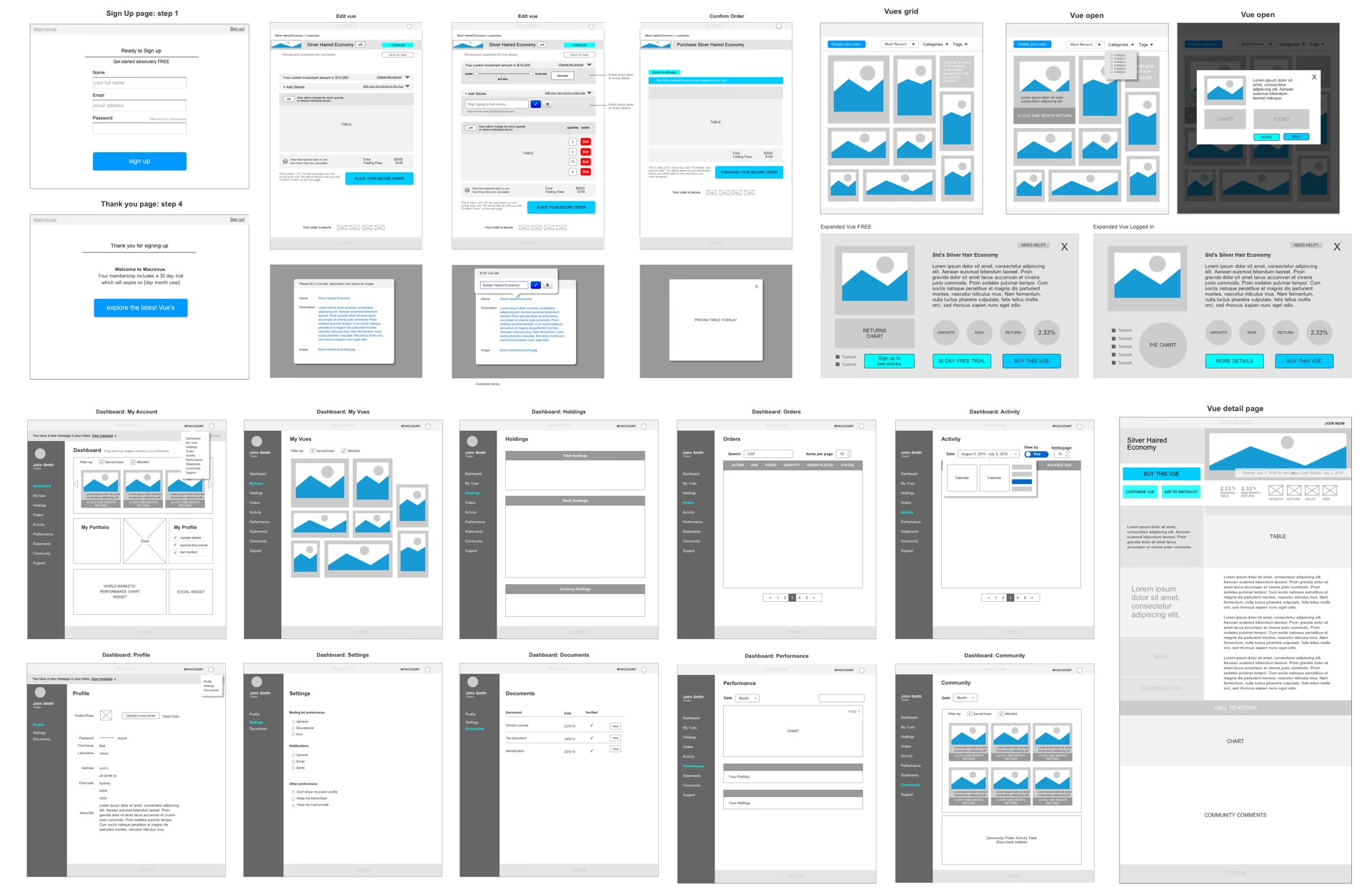
I created wireframes for desktop and tablet screens. Through this process I was able to design user flows, navigation, and interactions. The wireframes were annotated for clarity and technical detail.
Prototype
Visual design
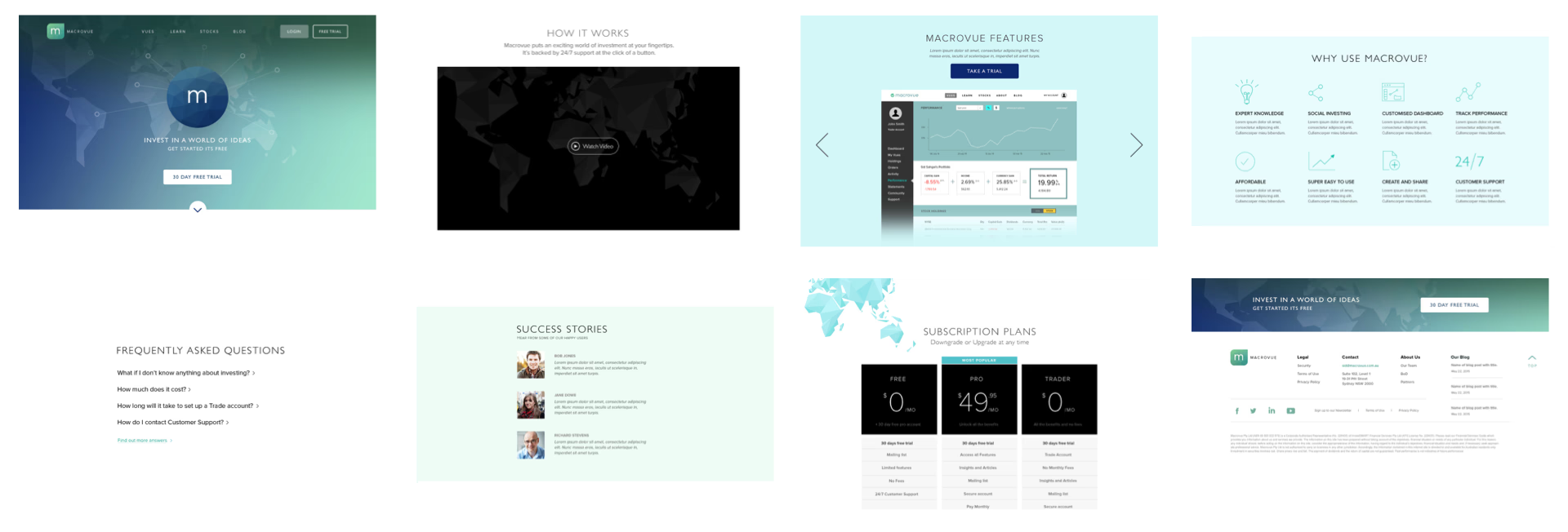
I created the visual designs for the website and mobile apps, ensuring consistency across platforms. These designs were then handed over to developers as the blueprint for implementation.